Precision-built Stream Deck profiles
Put ChatGPT within reach.
DeckSmith turns a Stream Deck+ into a physical control surface for ChatGPT work. Forty-eight controls, laid out where your fingers already expect them.
- 48 controls
- Stream Deck +
- macOS
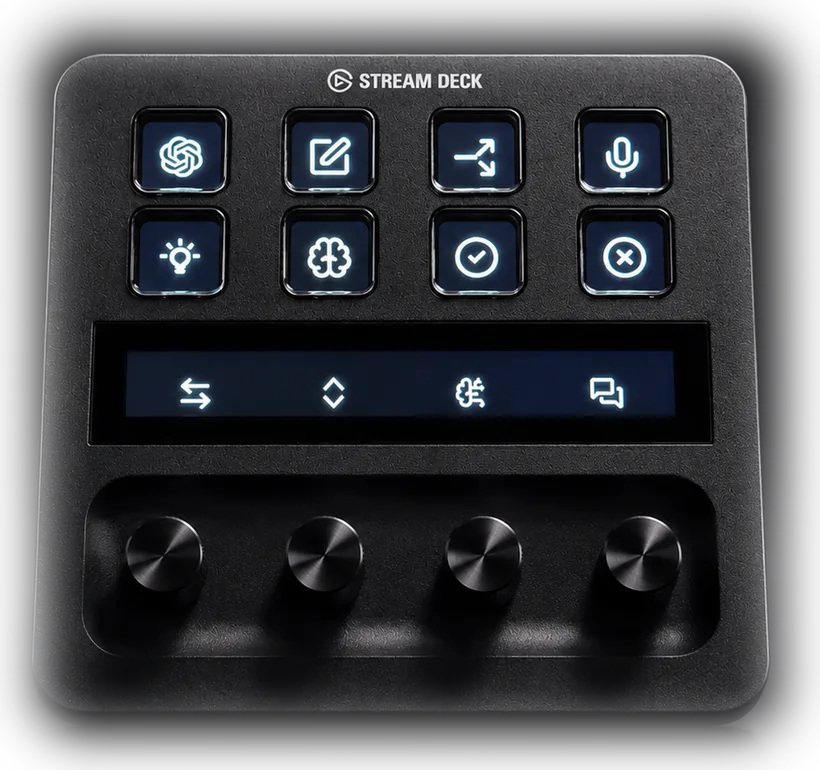
- 48 Mapped controls
- 4 Dials in use
- 3 Pages
- 43 Custom icons
The idea
Complex software, engineered into simpler control.
DeckSmith builds considered hardware interfaces for the tools that do serious work. The first profile puts the controls you reach for all day onto keys and dials, so the work stays in front of you instead of behind a menu.
01 / Your control surface
Clear the queue. Keep your flow.
Approve and decline with dedicated keys. Toggle plan mode. Start a voice chat with a press and mute your microphone with a hold. Start a new chat or fork the current thread without breaking stride.
Page 1 of 3
-
 Open ChatGPT
-
 New chat
-
 Fork chat
-
 Voice + mute
-
 Plan mode
-
 Model selector
-
 Approve
-
 Decline


- History
- Scroll
- Effort
- Chats
Two more pages carry the rest of the day: finding, pinning and renaming conversations, setting a goal, copying a thread as Markdown and checking your usage, then attaching files, pointing a task at a local workspace, dictation, side chat and the browser. Two nested folders hold the models and reasoning levels.
02 / Every dial earns its place
More control. Less mouse.
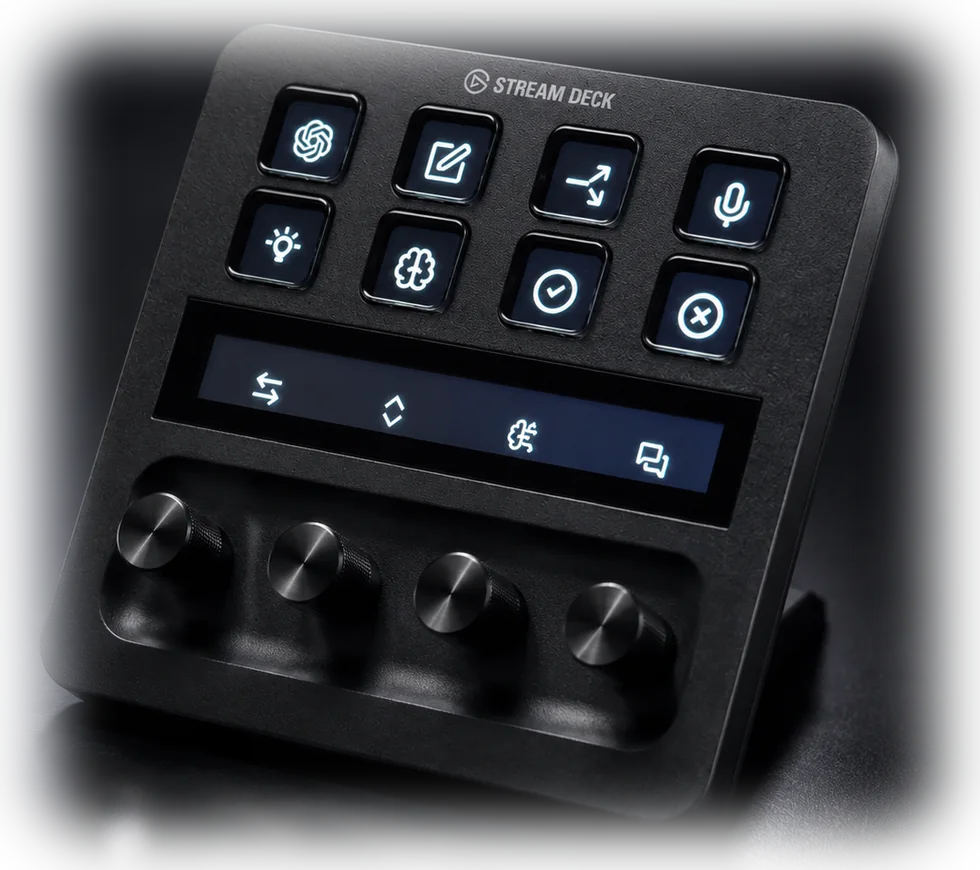
Scroll the long answers. Step back and forward through history. Nudge reasoning effort mid-task. Move between chats without lifting your hand. Press a dial to toggle the sidebar, find in the current chat, cycle effort or open the command menu.
- 01History
- 02Scroll
- 03Effort
- 04Chats
03 / Direct access
One press. Any model.
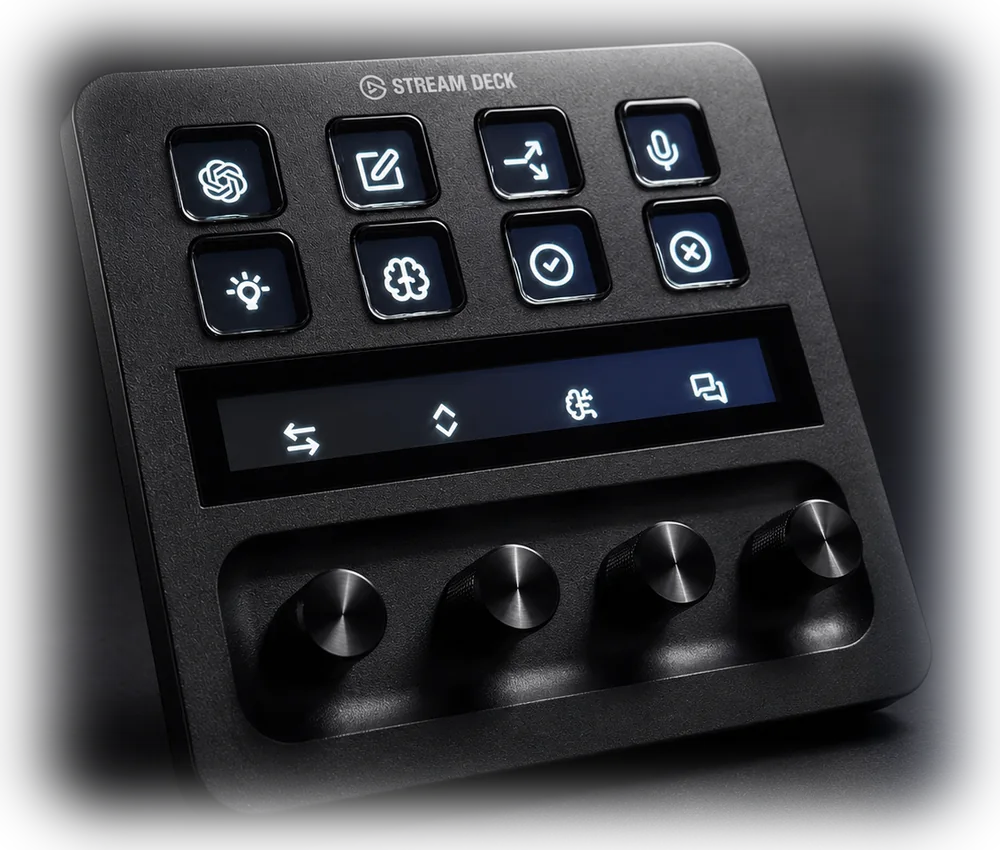
A dedicated key for every model, and a nested folder that runs from Light through Ultra reasoning effort.
- No picker, no arrow keys, no hunting
- Light through Ultra reasoning effort
- Fast mode on a single toggle
The fine print
Built to stay useful.
The model and effort controls drive ChatGPT's composer menu, the only method the app currently exposes. If the model line-up changes, these controls may need an update. Everything else uses direct shortcuts and is designed to stay put.
Eleven of the commands this profile uses ship unassigned in ChatGPT. The download includes a keybindings file that sets all eleven in one step, and the setup guide walks through it, but the keys that use them do nothing until you do.
Requires a Stream Deck + running Stream Deck 7.5 or later on macOS. Tested with the ChatGPT app for macOS, build 26.727.51351, on 2 August 2026, and built for a US/ANSI keyboard layout. Stream Deck profiles update by re-download; new versions are published when they are needed.
If the keys ever stop responding, a macOS update has almost certainly reset Stream Deck's Accessibility permission. The support page walks through the fix.
Ready when you are
Make your Stream Deck work harder.
DeckSmith Control for ChatGPT Work is available now on the Elgato Marketplace.
Buy on Elgato MarketplaceStream Deck + · macOS · 48 controls